Mar 27, 2026
The SQE1 Notion Template: A Complete Study System for FLK1 and FLK2
Read Time
8 Min
Category
Study Strategy
Most SQE1 candidates don't fail because they didn't study enough. They fail because they studied the wrong things, in the wrong order, without any visibility over what they'd actually covered.
The SQE1 syllabus spans 13 subject areas across FLK1 and FLK2 — tested across 360 multiple-choice questions over two assessment days. Each subject area runs deep. Without a system to track your coverage, confidence, and revision timing across all of them, preparation becomes guesswork — and guesswork is not a strategy for a high-stakes assessment.
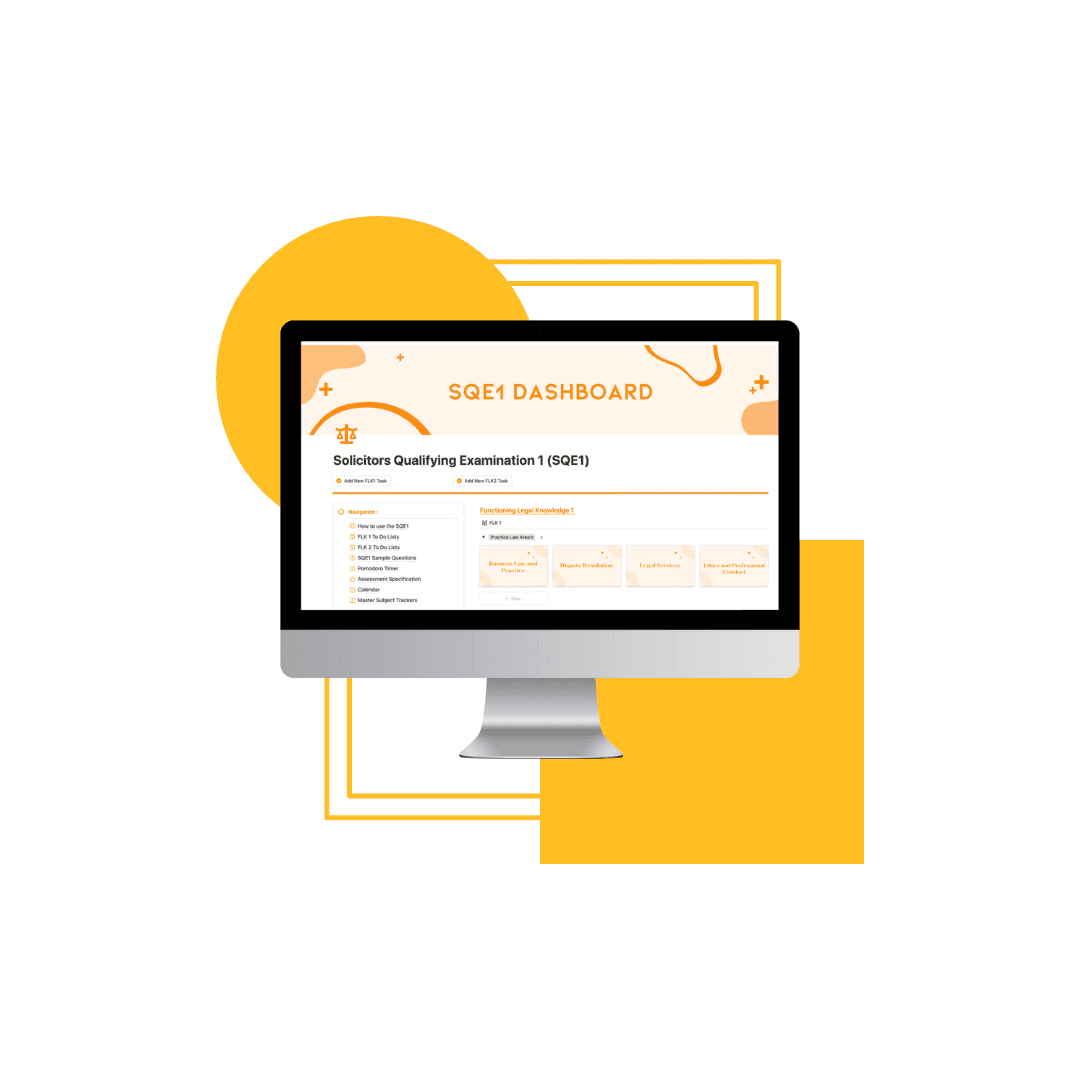
The SQE1 Notion Template gives you a single workspace to manage every part of your preparation. This post explains exactly what is inside it and how it works.
The Problem With Most SQE1 Study Approaches
The typical SQE1 candidate's study setup looks like this: a question bank subscription, a set of lecture notes, a calendar with some revision sessions blocked out, and a vague sense that they need to cover everything before assessment day.
The problem isn't effort — most candidates work hard. The problem is visibility. Without a system that shows you precisely what you've covered, how well you understand it, and when you last revised it, you end up:
Over-revising topics you already know well
Under-revising weaker areas because you don't have a clear view of where the gaps are
Reaching assessment day without having touched several topics at all
Structure is what separates candidates who pass from those who have to resit. The SQE1 Notion Template is built around that insight.
What Is the SQE1 Notion Template?
The SQE1 Notion Template is a structured digital workspace built in Notion — a free productivity platform available on desktop and mobile. It maps the entire SQE1 syllabus across both FLK assessments and gives you the tools to track, revise, and prepare with clarity.
It is not a set of notes. It is not a question bank. It is the system that sits around your existing study materials and makes them work together.
What's Inside the Template
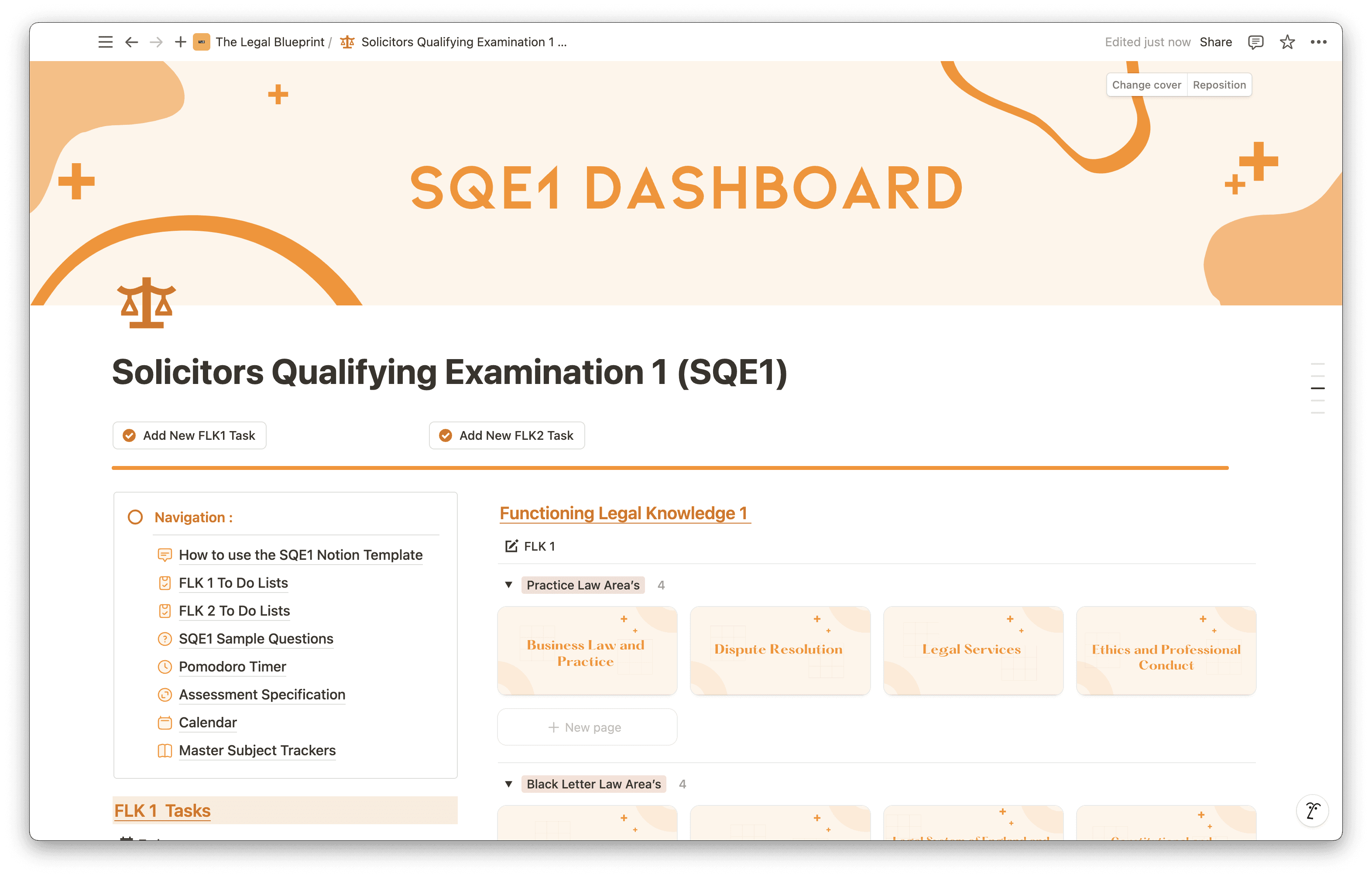
Full Subject Area Tracker Across All 13 FLK1 and FLK2 Areas
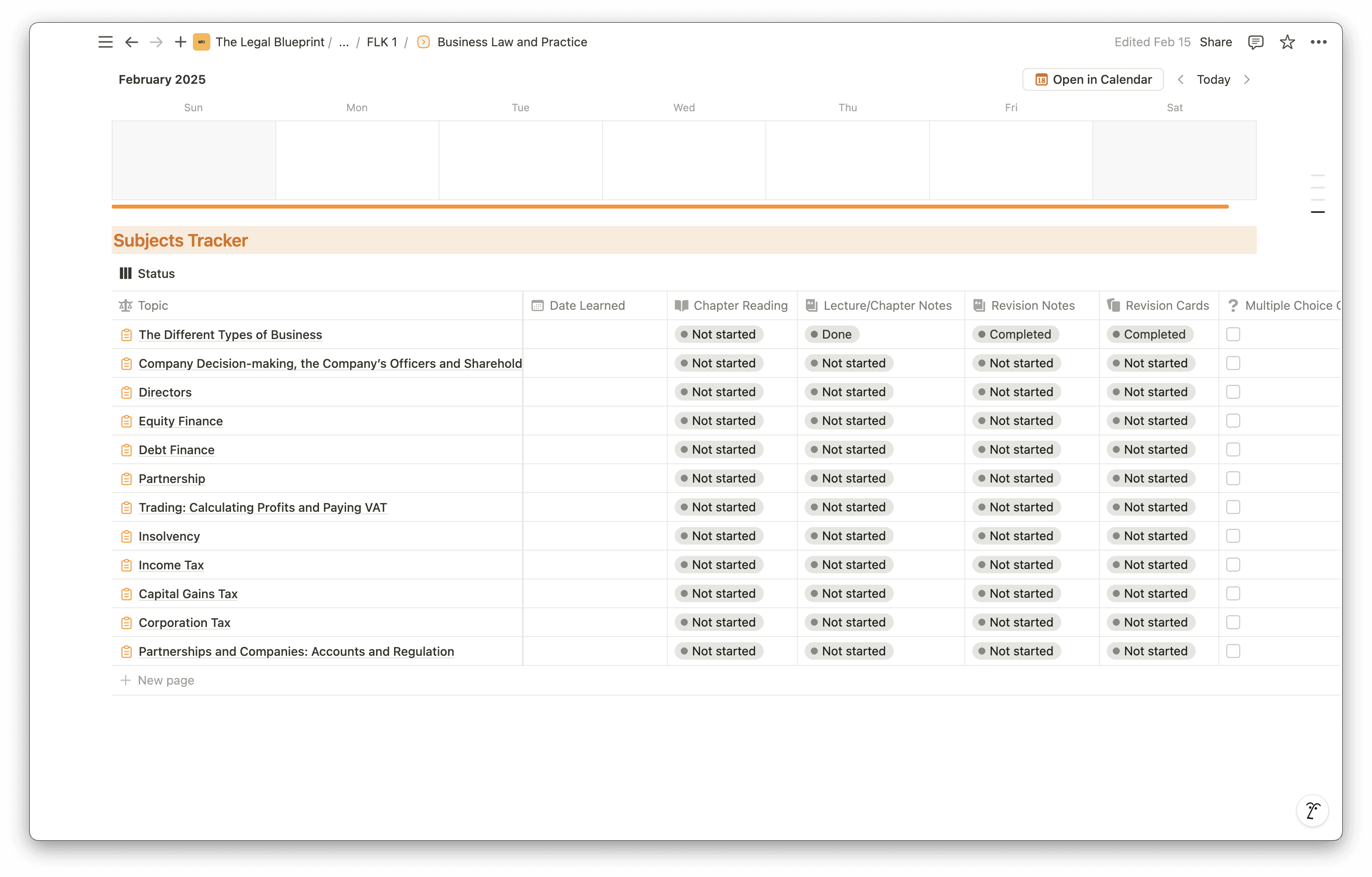
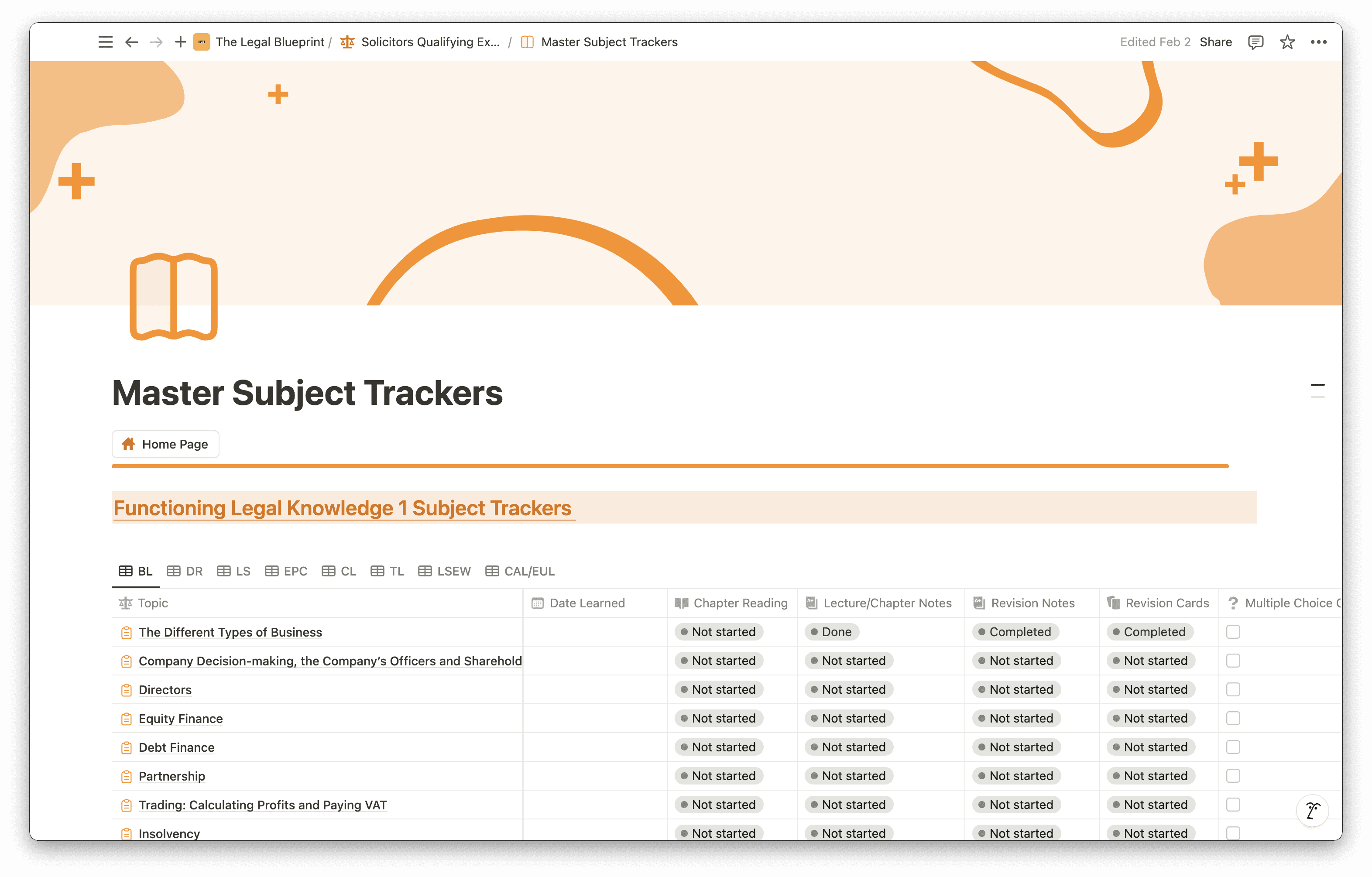
Every subject area across both FLK assessments is pre-loaded into the template — the six areas covered in FLK1 (Business Law and Practice, Dispute Resolution, Contract, Tort, Legal System of England and Wales, and Legal Services) and the seven in FLK2 (Property Practice, Wills and the Administration of Estates, Solicitors Accounts, Land Law, Trusts, Criminal Liability, and Criminal Law and Practice). Nothing needs to be built from scratch — you open it, duplicate it into your Notion workspace, and start using it from day one.
Each entry has space to log your coverage status, confidence rating, and notes at topic level within each subject area. The tracker gives you a live view of your preparation at a glance: what you've covered, what you've rated yourself highly on, and what still needs work.
Coverage Status Per Topic
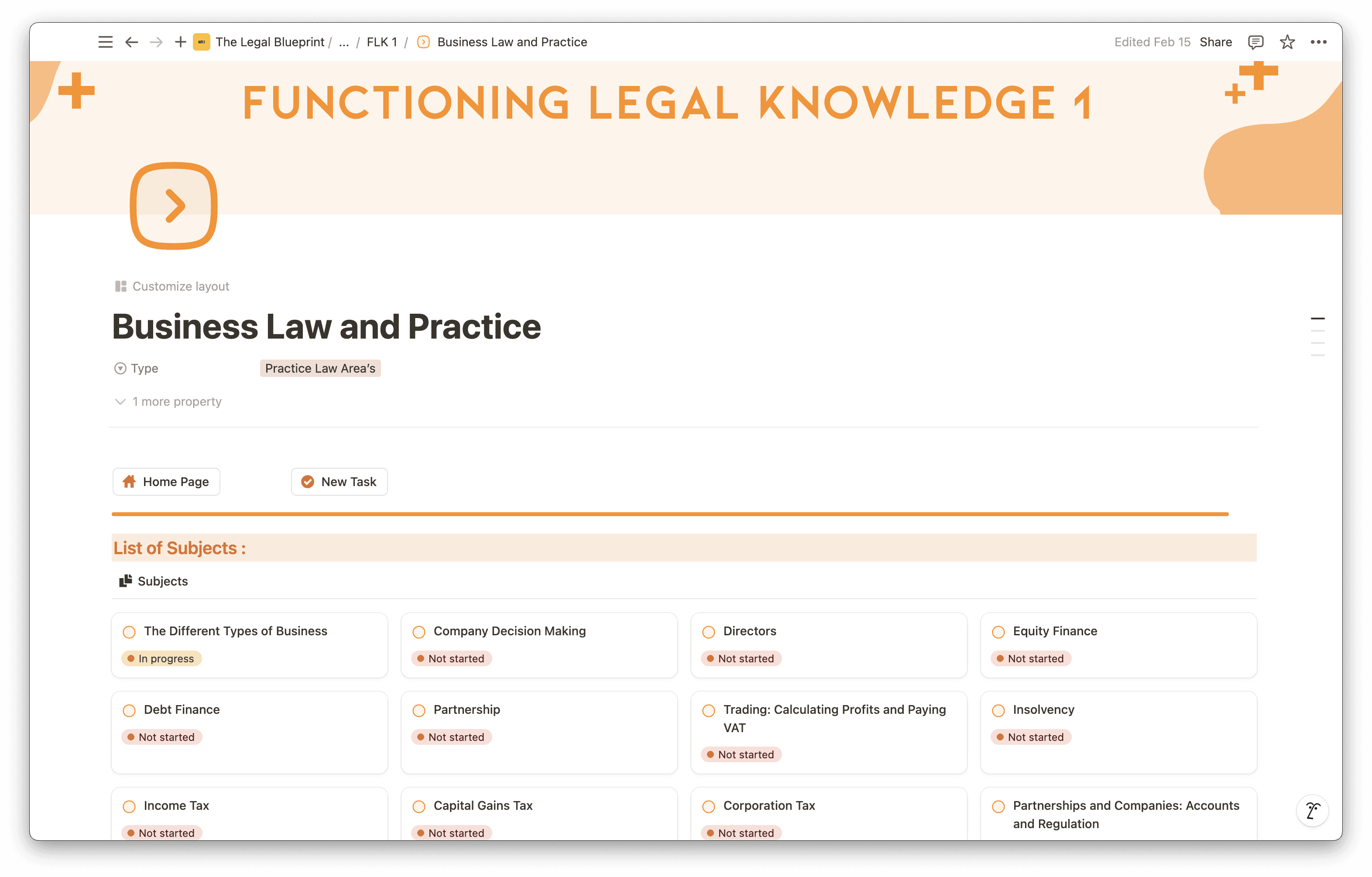
Every subject and sub-topic carries a status indicator — whether you have covered it and where you are in your revision. You might have read through Contract Law but not yet created revision cards or attempted MCQs on it. The tracker surfaces that distinction so your revision is targeted rather than reactive.
Work through the template subject by subject and you have a clear, prioritised view of what still needs attention — without having to reconstruct your progress from memory.
Notes, Cases, and Key Rules Per Subject Area
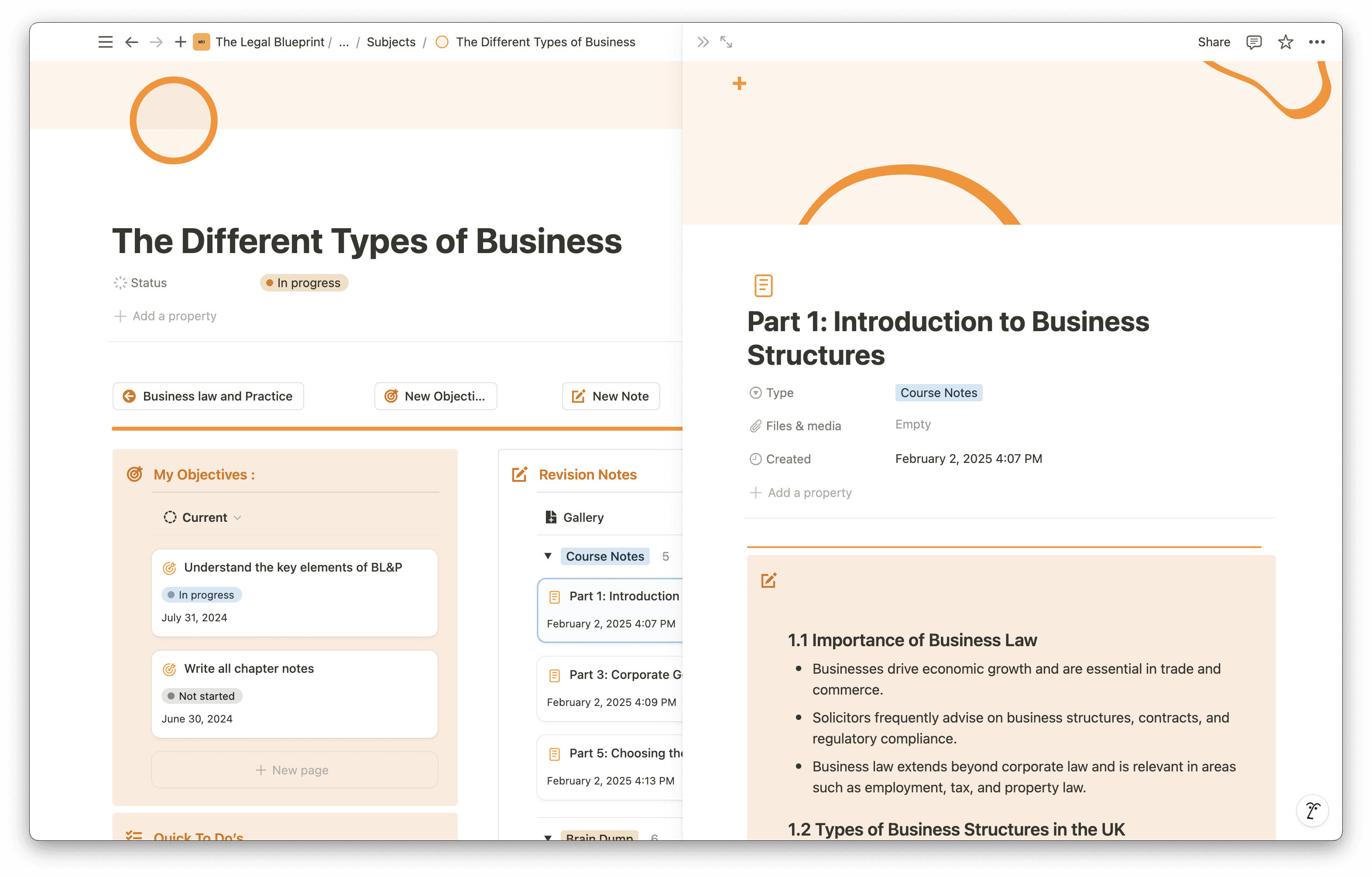
Each sub-topic page has a dedicated space for your own notes, relevant cases, and the key rules you need to know. Everything connected to a subject lives in one place — no switching between documents, no hunting through folders.
This is where the template earns its value as a workspace rather than just a tracker. Your notes are contextualised within the syllabus structure, not scattered across separate documents.
Calendar for Revision Planning
The template includes a Calendar page where you can plan your revision day by day, week by week, and month by month. Schedule sessions by subject, track important dates, and build a structured cadence across the weeks leading up to your assessment — rather than cramming everything at the end.
Pomodoro Timer
The template includes a built-in Pomodoro timer — 25-minute focused work intervals with short breaks — so you can manage your study sessions without switching between tools. Consistent, timed study blocks are more effective than open-ended sessions, particularly when revision fatigue sets in.
Revision Cards
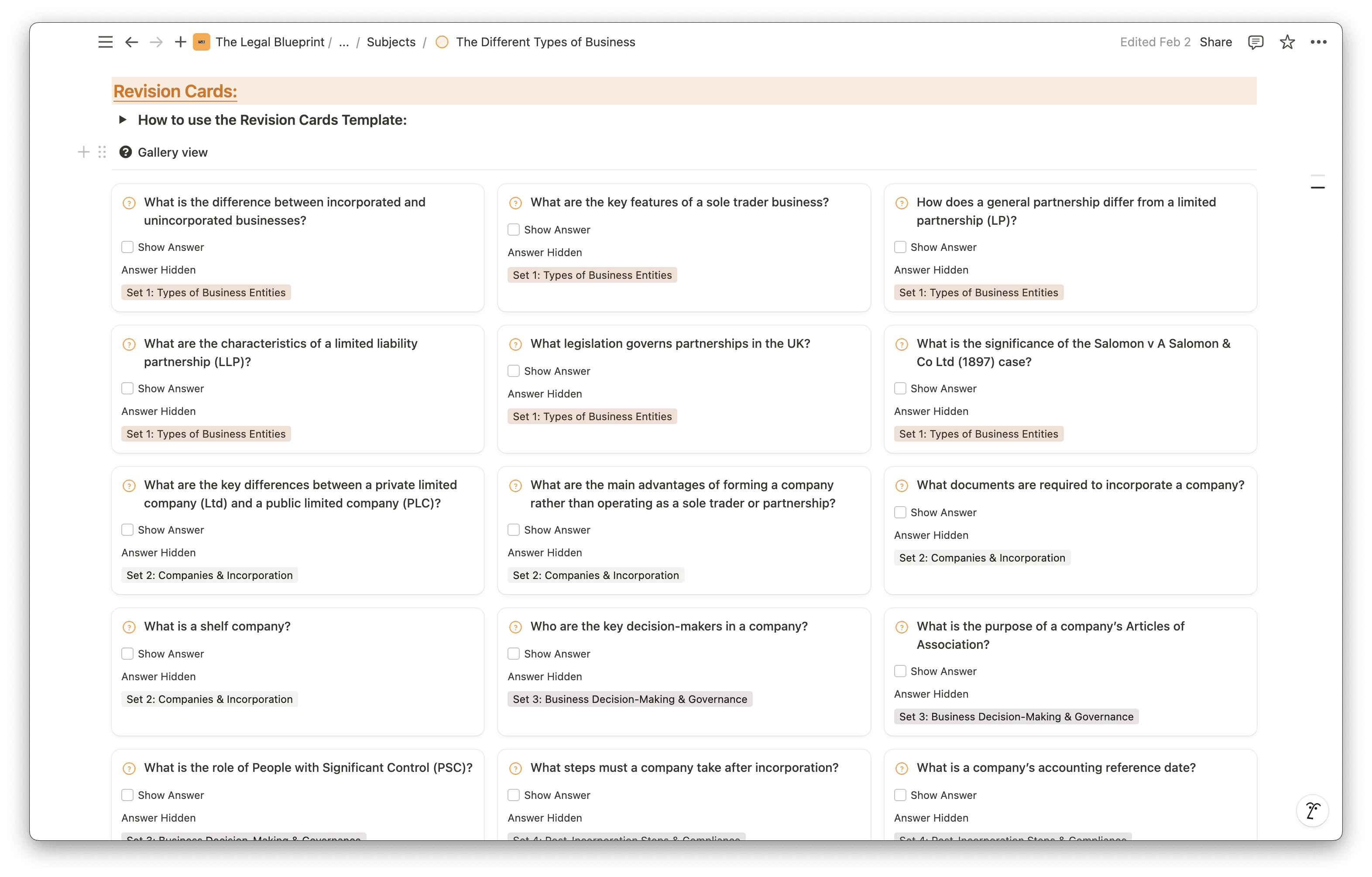
Each subject and sub-topic page includes a built-in area for creating and practising revision cards. Rather than passively re-reading notes, revision cards force active recall — the most evidence-backed method for long-term retention. Create them as you cover each topic and return to them in the run-up to your assessment.
Resource Bank
Each sub-topic page includes a resource bank where you can store links, documents, and references relevant to that area of law. Everything you need for a subject lives inside that subject's page — no hunting across separate folders or browser tabs.
FLK1 and FLK2 To-Do Lists
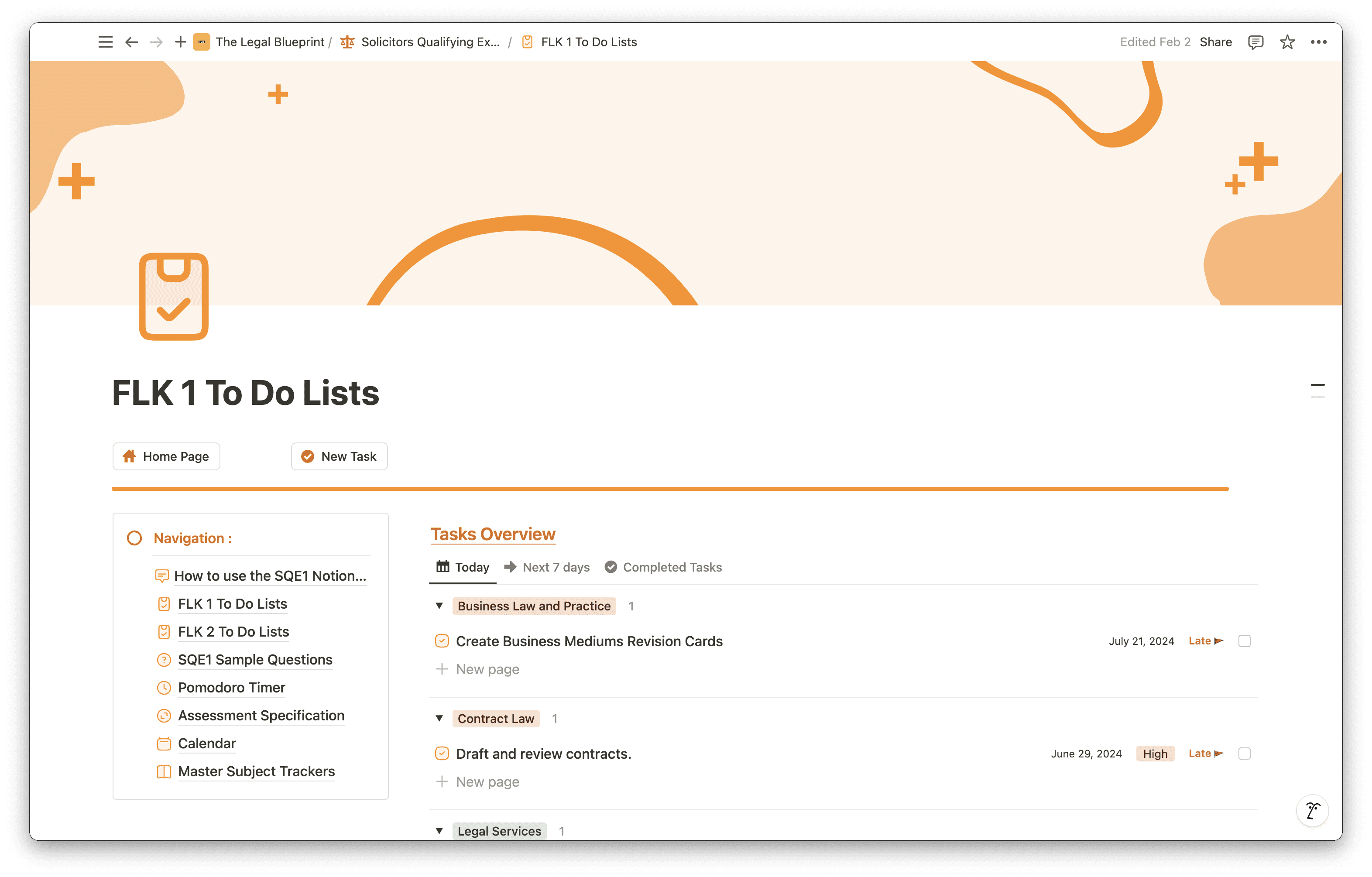
Dedicated to-do lists for both FLK assessments let you track and plan tasks across each subject and unit, with the ability to organise by priority, progress, and due date. These sit alongside the subject tracker and give you a ground-level view of what needs to be done each week.
SRA Assessment Information
The template includes a dedicated section for the SRA Assessment Specification and SQE1 Sample Questions — pre-structured so you can add the official SRA materials directly into your workspace and reference them alongside your notes.
Pre-Structured Layout — No Setup Required
One of the most common reasons candidates don't use a system is because building one takes time they don't have. The SQE1 Notion Template is ready to use immediately. Duplicate it into your workspace and begin — the structure is already there.
Who Is This Template For?
The SQE1 Notion Template is built for three types of candidates:
Law graduates preparing full-time who need to cover the entire syllabus systematically and want a clear view of their progress at every stage.
Career changers studying alongside work who have limited time and cannot afford to waste revision sessions on topics they already know. The confidence filter makes every session count.
Candidates who have attempted SQE1 before and need to identify specifically where their preparation fell short. The tracker makes it straightforward to audit coverage and rebuild a structured approach for the resit.
If you are using a question bank and lecture notes but have no system tying them together, this template is the missing piece.
How to Get Started
Getting set up takes under five minutes.
Get the template via the link below
Create a free Notion account at Notion if you don't already have one
Duplicate the template into your workspace using the button in the top-right corner
Start with the topic tracker — work through FLK1 subjects first and assign an initial confidence rating to each one based on your current knowledge
Use the low-confidence filter to build your first revision session list
The template works alongside whatever study materials you are already using. It is not a replacement for a question bank or structured content — it is the system that makes those materials more effective.
The Difference Structure Makes
The candidates who perform well on SQE1 are not necessarily the ones who studied the most hours. They are the ones who knew exactly where they stood across the syllabus, addressed their weak areas methodically, and went into assessment day without blind spots.
That clarity does not happen by accident. It requires a system.
Duplicate it into your workspace today and begin working through all 13 subject areas with structure from day one.