
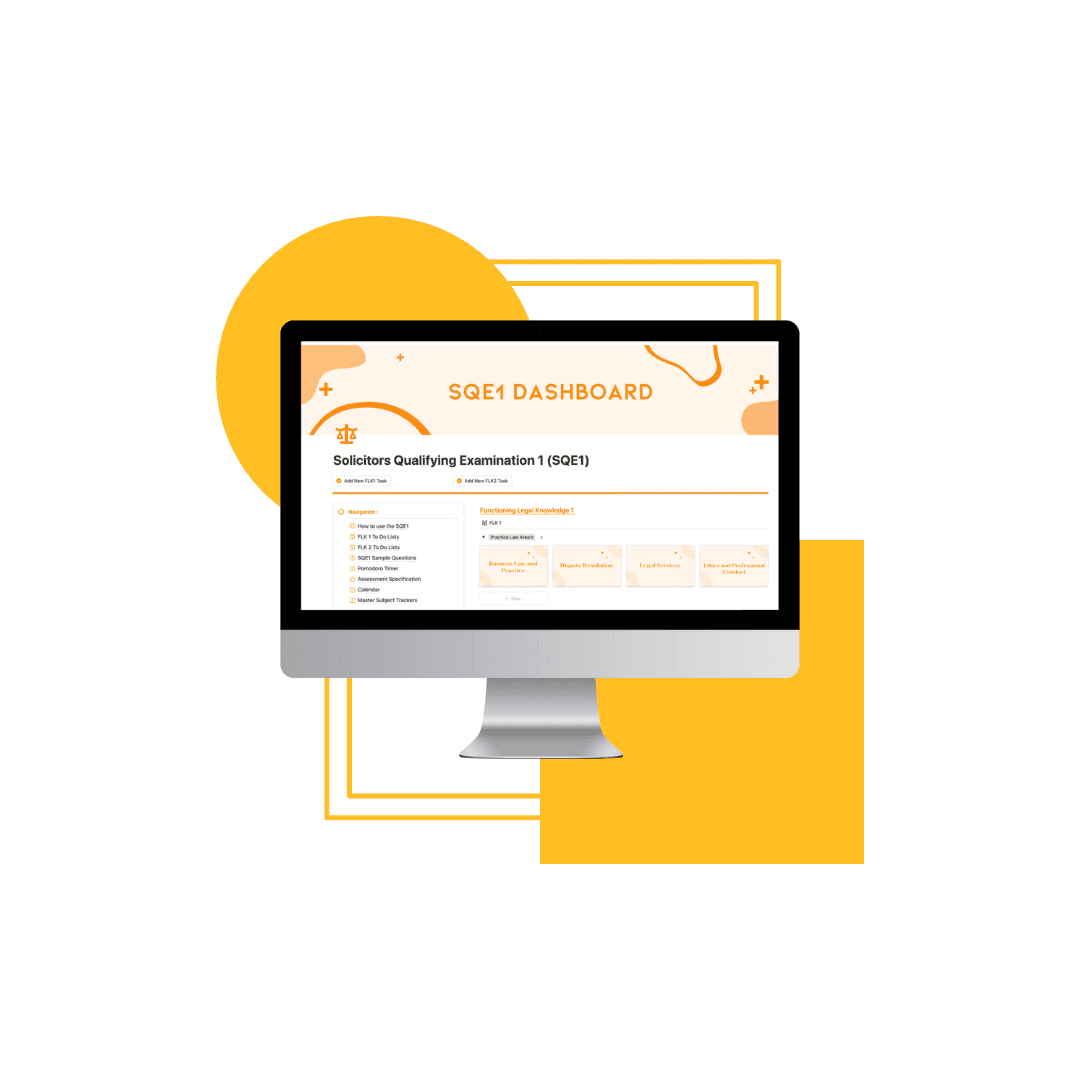
SQE1 Notion Template
Stop guessing how to study. Start following a system.
The SQE1 is not about how much you know, it's about how well you organise, recall, and apply that knowledge over time.
This template gives you a clear structure to manage subjects, track your revision, and build consistency across your study.
01
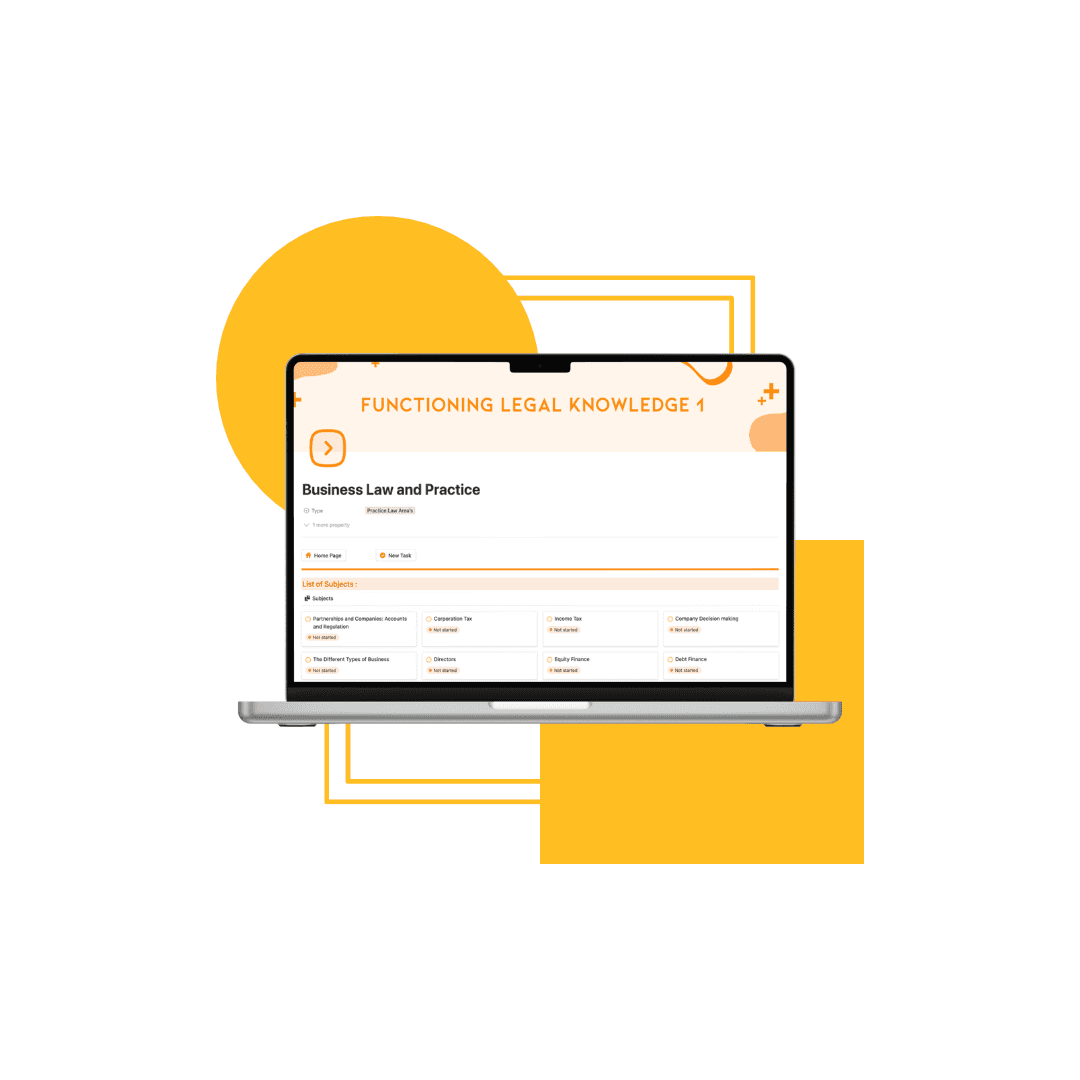
Subject & Topic Tracking
Break down the entire SQE1 syllabus into manageable sections and track your progress clearly
02
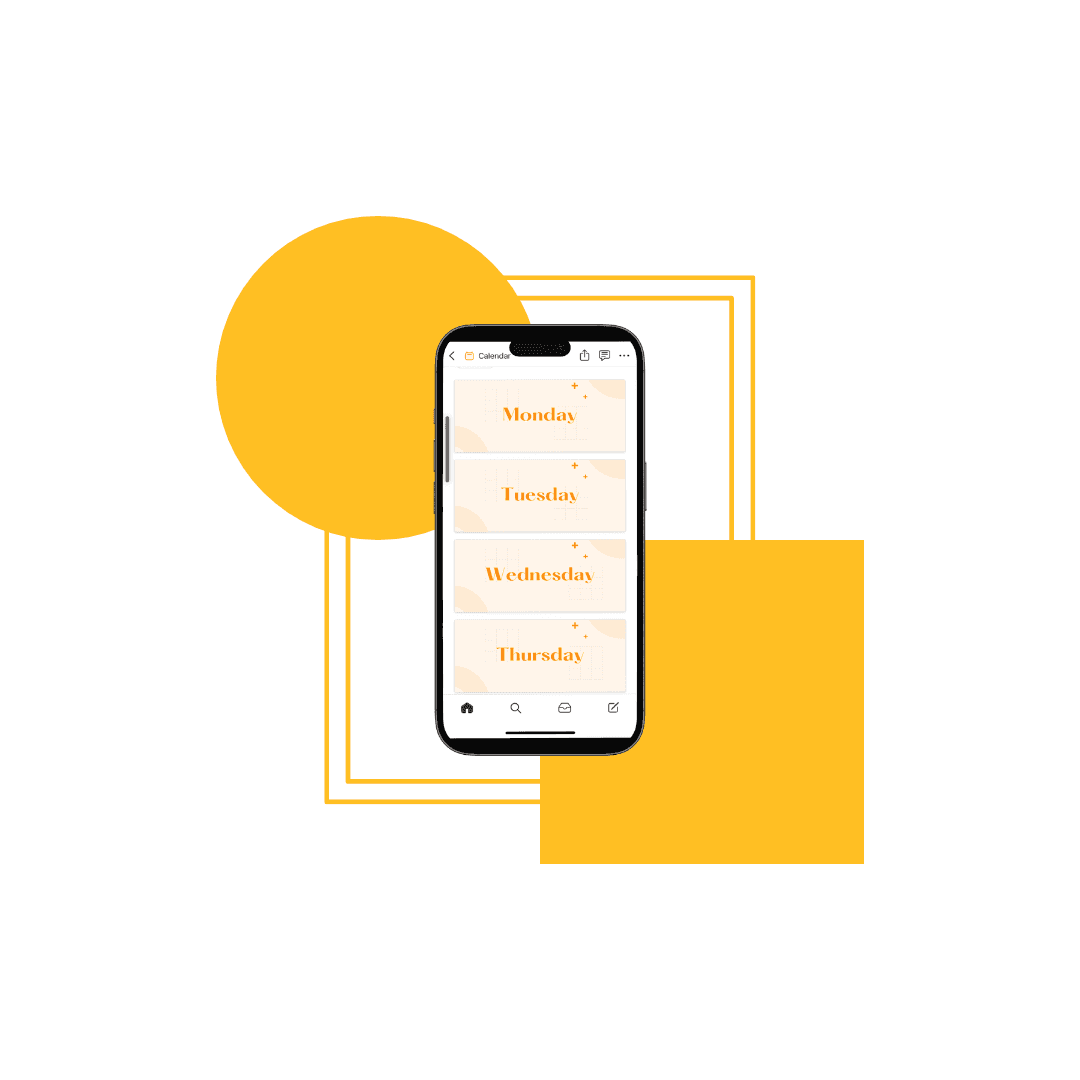
Study Planning & Logging
Plan your revision sessions and keep a record of the work you've completed to maintain consistency.
03
Progress Visibility
See where you are strong, where you need improvement, and what to focus on next.
How it helps
Built for consistency, not complexity.
Most SQE1 candidates spread their revision across scattered notes, disconnected trackers, and general-purpose tools not built for the FLK assessments. The result is uneven coverage and no reliable way to know what still needs work.
The SQE1 Notion Template brings everything into one workspace — subject notes, revision planning, progress tracking, and a master tracker across all FLK1 and FLK2 subject areas. Open it, duplicate it into your Notion account, and start from day one.
01
Centralised Workspace
Keep all your SQE1 subjects, notes, and tracking in one place.
02
Simple Structure
Designed to be easy to use, so you can focus on studying rather than managing tools.
03
Consistent Approach
Build a routine that allows you to make steady, measurable progress over time.
Get started
Start building your SQE1 study system.
The SQE1 Notion Template is available now. Duplicate it into your Notion workspace in a few clicks — no setup required. Every subject area and sub-topic is already mapped and ready to use.
Whether you're at the start of your preparation or refining your approach before assessment day, the template gives you the structure to make every study session count.